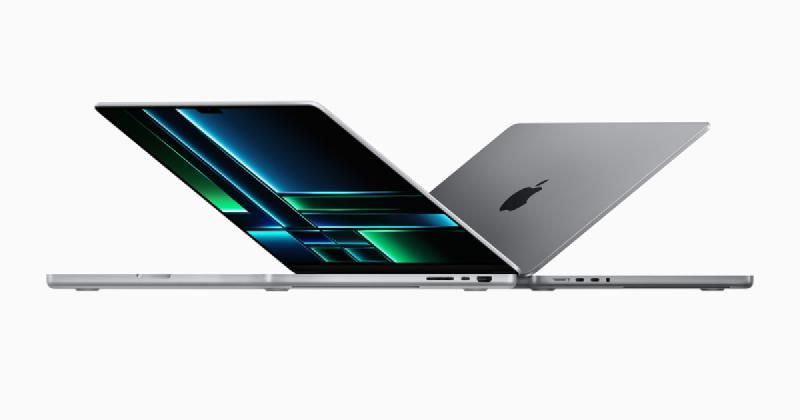
I’m going to start with some of the basic initial setup things: Turn the Mac on, log into the Apple ID, do the thing.
Make sure FileVault is enabled at the open-box phase. Enabling it later means waiting hours to encrypt everything.
After this, I’m going to install some regular applications to get the MacBook work ready. These aren’t Mac-specific.
- Visual Studio Code
- Free code editing software with all the plugins I need to do my work.
- Microsoft Teams
- Work uses Teams for instant messaging.
- Microsoft Outlook
- Outlook for email.
- Arc Browser
- I want to try it. I have no idea if it’s going to be the right move. I will install Vivaldi if this isn’t the right browser for me.
- Obsidian
- This is how I take my notes, it also makes getting content from my brain to this site much easier.
Next, Mac utilities. Things to make life easier.
-
- Anything to make my clipboard management more seamless. I can copy/cut multiple things at a time and even shorten URLs and
-
- Being able to take screenshots is great, being able to take screenshots with details about who captured them and when is even better.
- Snagit also allows for capturing videos, annotating and editing screencaps and videocaps.